
Best free apps to turn an old phone into a security camera (2026)
Your old phone can be a free home camera. We compare the main free apps that do it, what their free tiers really include, and which is best if you're watching a dog.

Michal Wlosik
· 4 min read
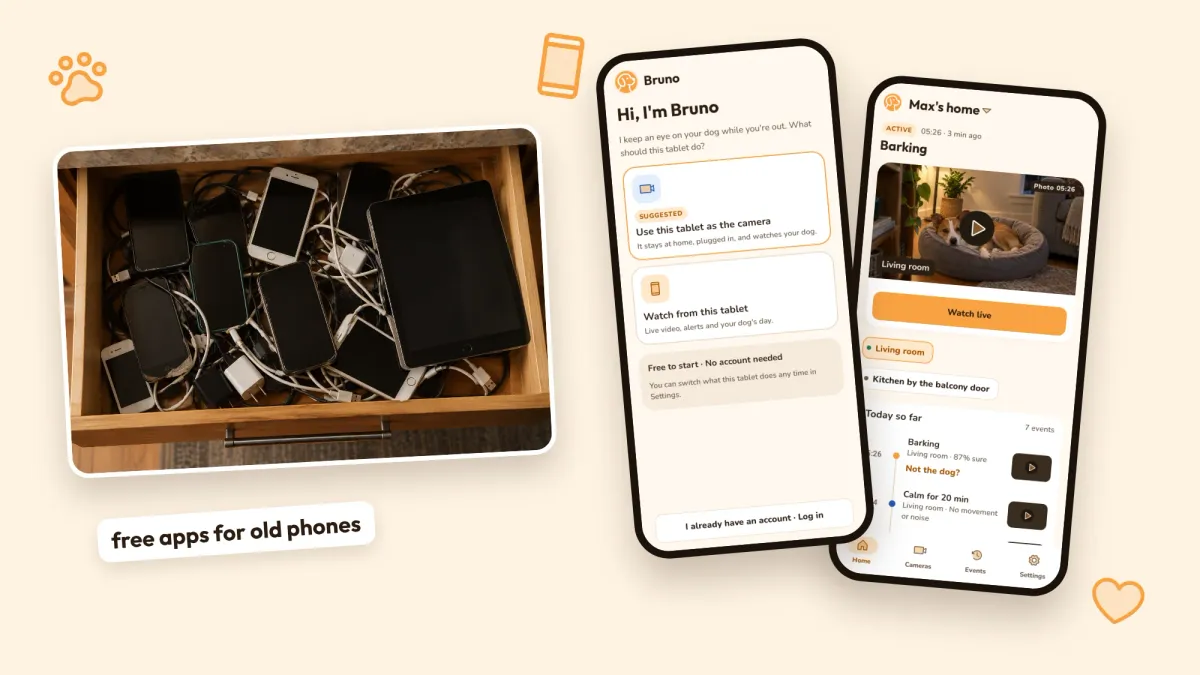
An old smartphone is a surprisingly good home camera: a decent lens, a microphone, a speaker and Wi‑Fi, already paid for. All it needs is the right app. But "free" means very different things from one app to the next, and the best choice depends on what you're actually watching: your front door, or your dog.
What to look for in a free camera app
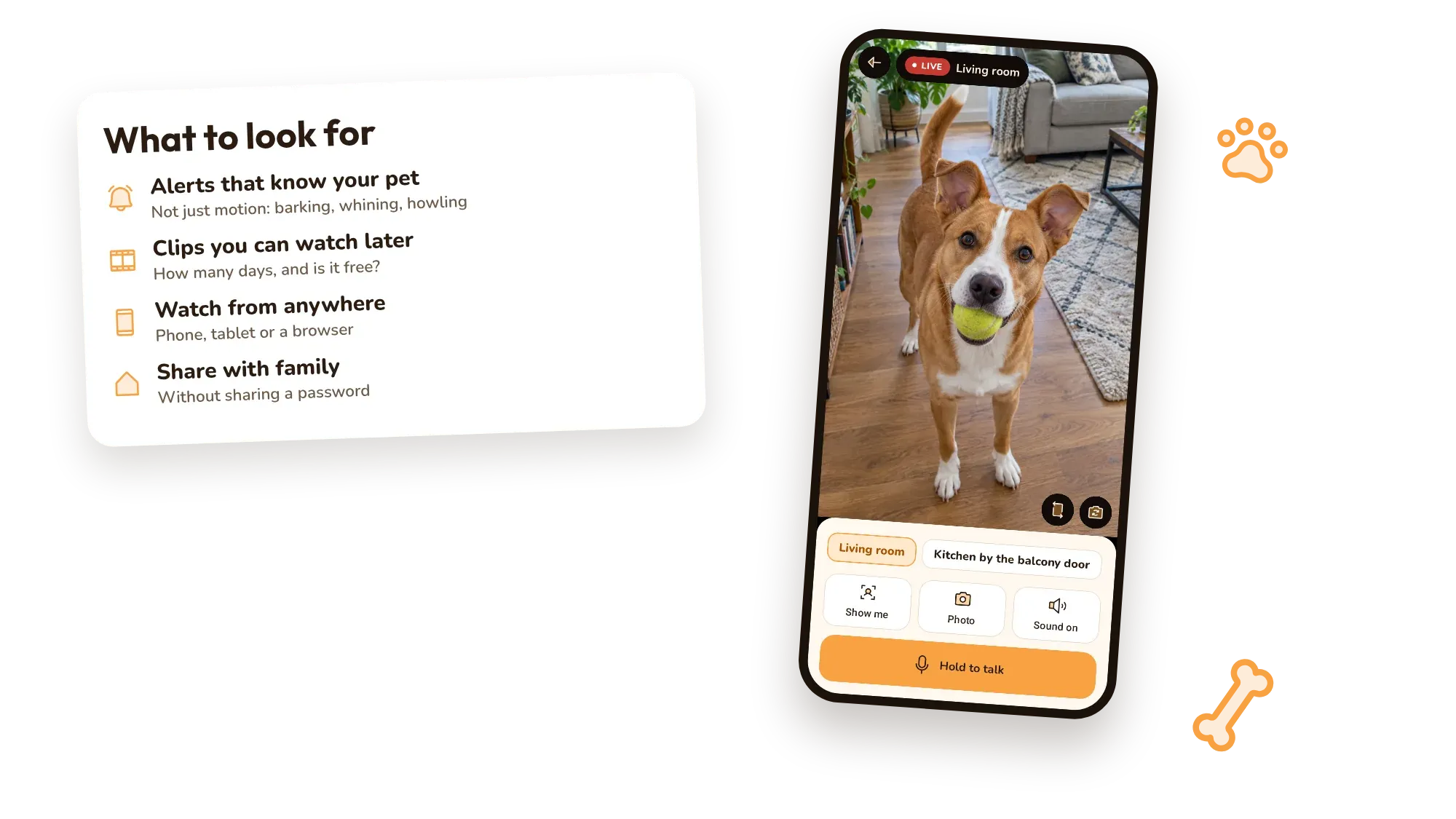
- Alerts that understand what they hear and see. Generic motion alerts fire for shadows and sunlight. Pet owners want to know about barking, whining or howling specifically.
- Clips you can watch later, and how many days the free plan keeps them.
- Watching from anywhere, not just on the same Wi‑Fi.
- Sharing with a partner or dog walker without handing over your password.
- How many cameras the free plan allows.
The apps
AlfredCamera: the best-known all-rounder
AlfredCamera is the default answer for general home security, on Android and iPhone. Its free plan includes live viewing, activity detection, motion alerts and downloadable events. In 2026 the company changed its plans: the free tier is now limited to two online cameras, and Premium Standard rose to $35.99 a year in the US.
Best for: watching a home or a door, with person detection on Premium. Its alerts are motion-based, so it isn't built around dog sounds.
Barkio: a dog monitor on two devices
Barkio, from TappyTaps, turns two phones or tablets into a dog monitor and runs on many platforms. Its free version is limited; Barkio Premium unlocks unlimited video monitoring, recording, audio history, pre-recorded commands and motion detection.
Best for: dog owners who want commands and have devices on several platforms, and are happy to pay for the full experience.
IP Webcam and similar streaming apps: free, but DIY
Apps like IP Webcam turn an Android phone into a network camera you open in a browser. They're powerful and free, but watching from outside your home usually means extra setup, and there are no pet-aware alerts or ready-made clip history.
Best for: tinkerers who want a raw camera feed for their own setup.
Bruno: built for watching your dog
Bruno is an Android app made specifically for dogs. The free plan includes:
- Live view from anywhere, talking, and Show me to put your face on the camera's screen
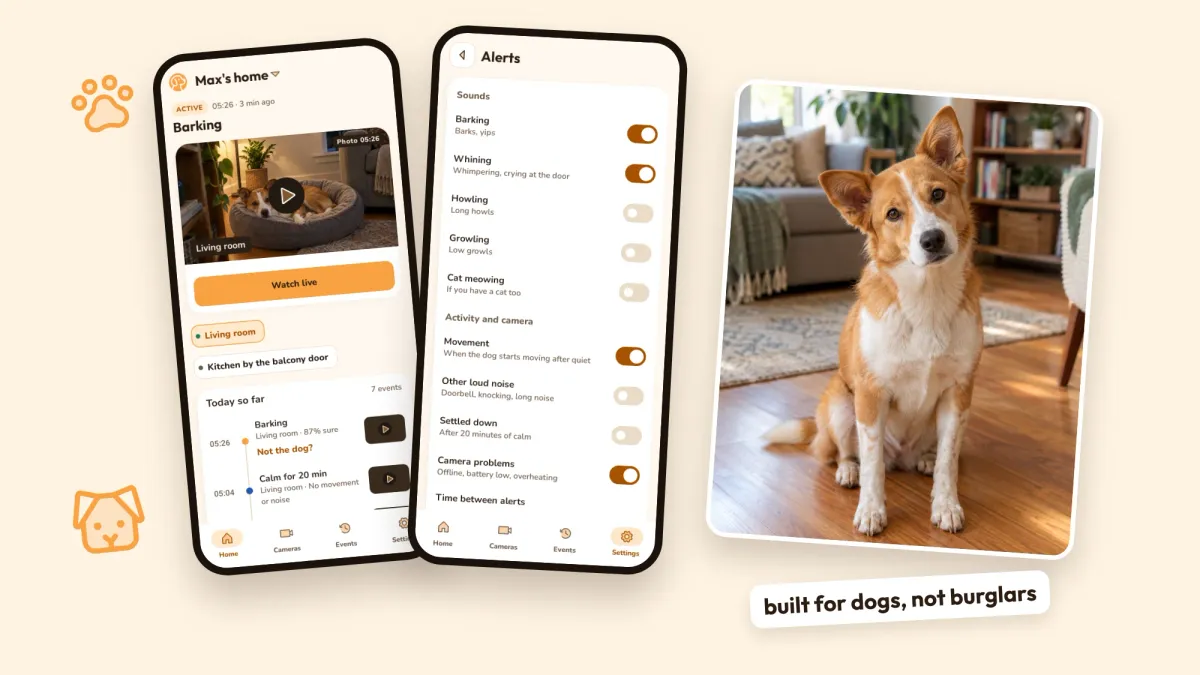
- Alerts for barking, whining and howling that ignore the TV, doorbells and voices, and learn when you tap Not the dog?
- A calm timeline of your dog's day, with 3 days of clips that start 5 seconds before each sound
- One camera, shared with one other person, plus a browser viewer for iPhone users
Premium ($39.99 a year) adds unlimited cameras, 30 days of clips and unlimited family members.

Watching a dog, not a door?
Bruno is free on Google Play and sets up on an old Android phone in ten minutes.
Quick comparison
| AlfredCamera | Barkio | IP Webcam | Bruno | |
|---|---|---|---|---|
| Made for | Home security | Dogs | DIY streaming | Dogs |
| Camera devices | Android, iPhone | Many platforms | Android | Android |
| Free alerts | Motion | Limited | None built in | Bark, whine, howl, sound |
| Free clips | Events | Premium | Your own setup | 3 days |
| Free cameras | Up to 2 | Limited | Unlimited | 1 |
How to set it up
Whichever app you choose, the basics are the same: keep the old phone plugged in, put it at chest height facing where the action is, and give the app permission to keep running in the background. Our step-by-step guide walks through it in ten minutes.
Questions people ask
Is it safe to use an old phone as a camera?
Does the old phone need a SIM card?
Can I watch from an iPhone?
Give your old phone a job.
Bruno turns it into a dog camera with live view, bark alerts and clips, free.
Written by
Indie app builder and pet lover based in Wrocław, Poland. I make Bruno so you can check on your dog with a phone you already own. Co-author of The AdTech Book.
Keep reading
AlfredCamera vs Bruno: which old-phone camera app is better for pet owners?
Both turn an old phone into a camera. AlfredCamera is built for home security; Bruno is built for dogs. Here's how they compare on alerts, clips, sharing and price.
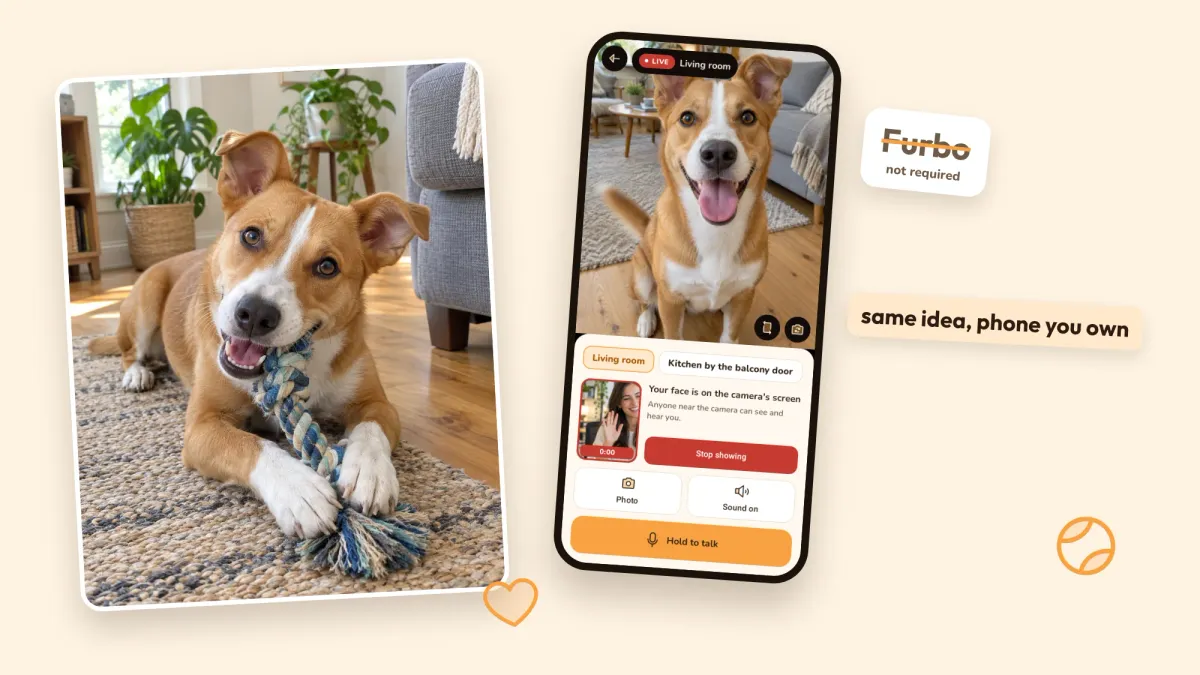
Furbo alternatives: a dog camera without buying new hardware
Furbo is a great gadget, but not the only way to watch your dog. Here are the alternatives, from cheaper pet cams to a free app on the phone you already own.
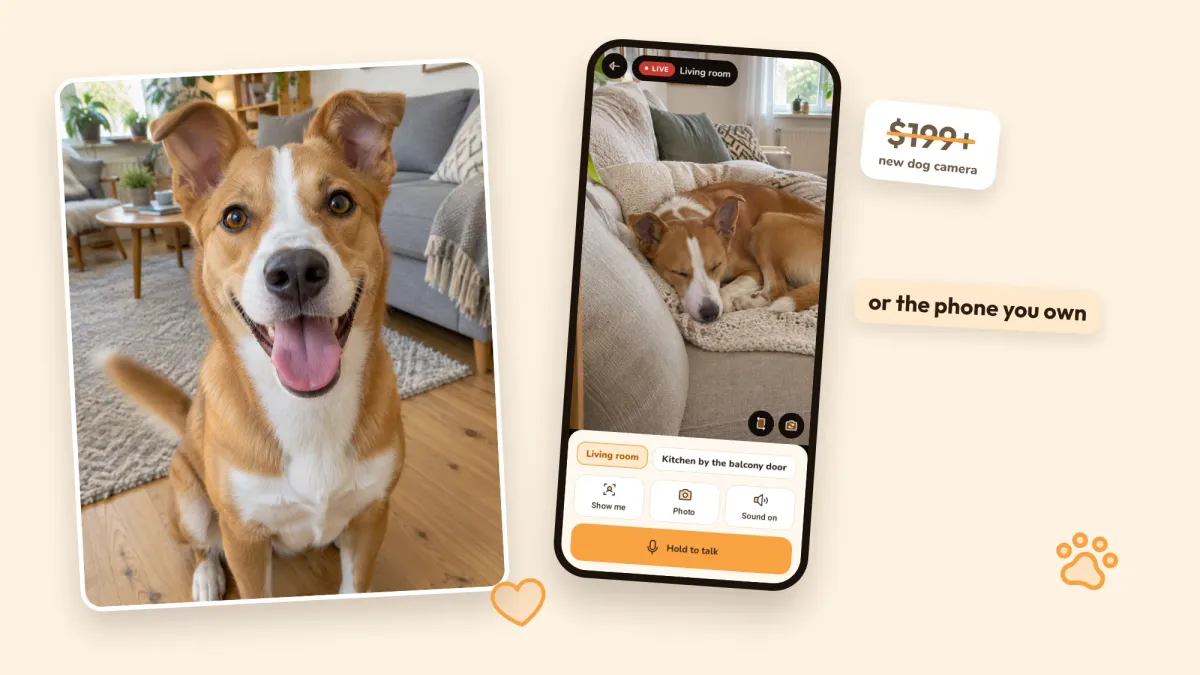
Best dog camera in 2026: buy a gadget, or use a phone you already own?
Treat-tossing gadgets, cheap security cams, or a spare phone running a dog camera app. Here's how to choose the best dog camera for your home, your dog and your budget.
Questions or thoughts? Share them below.